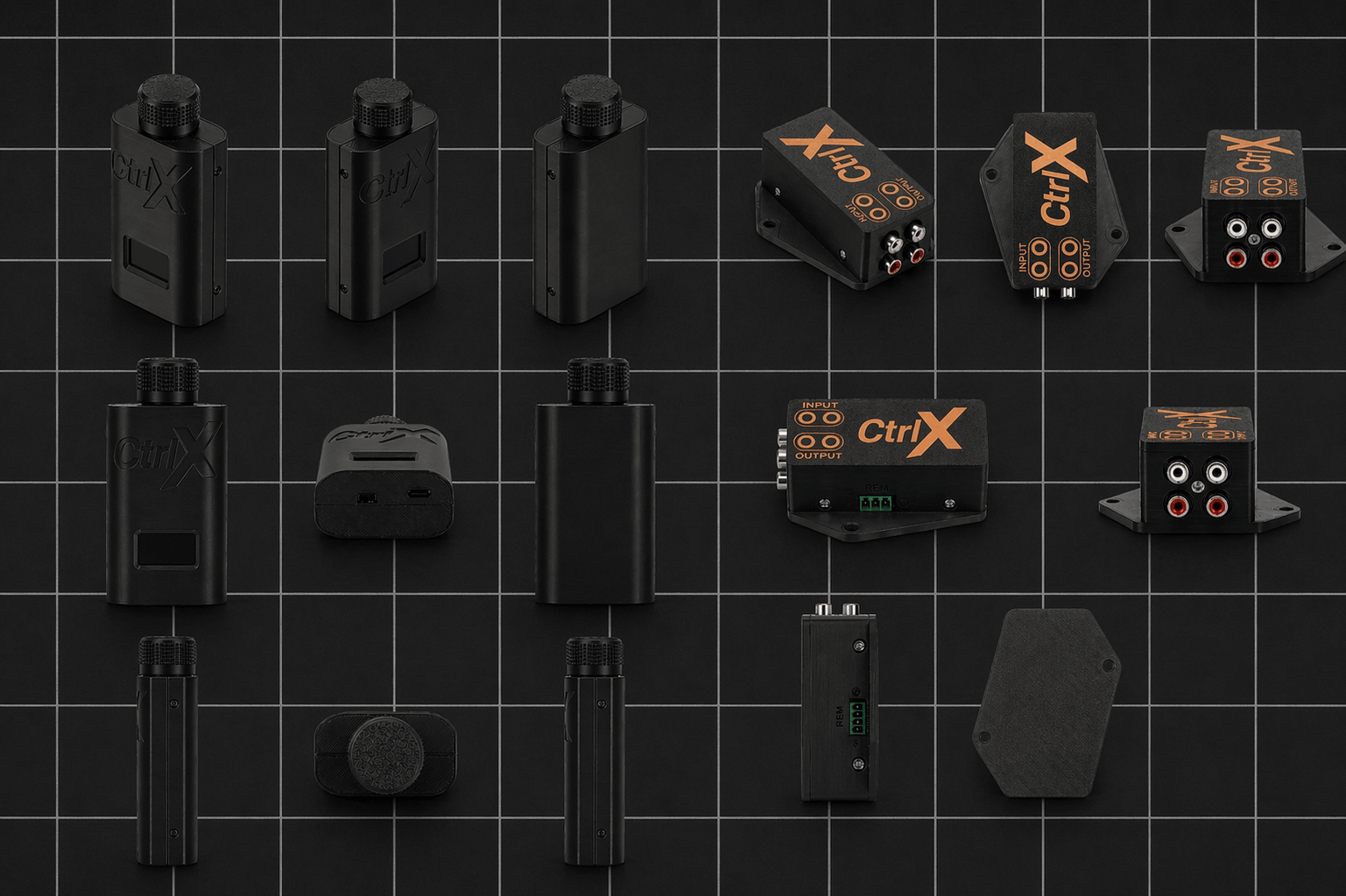
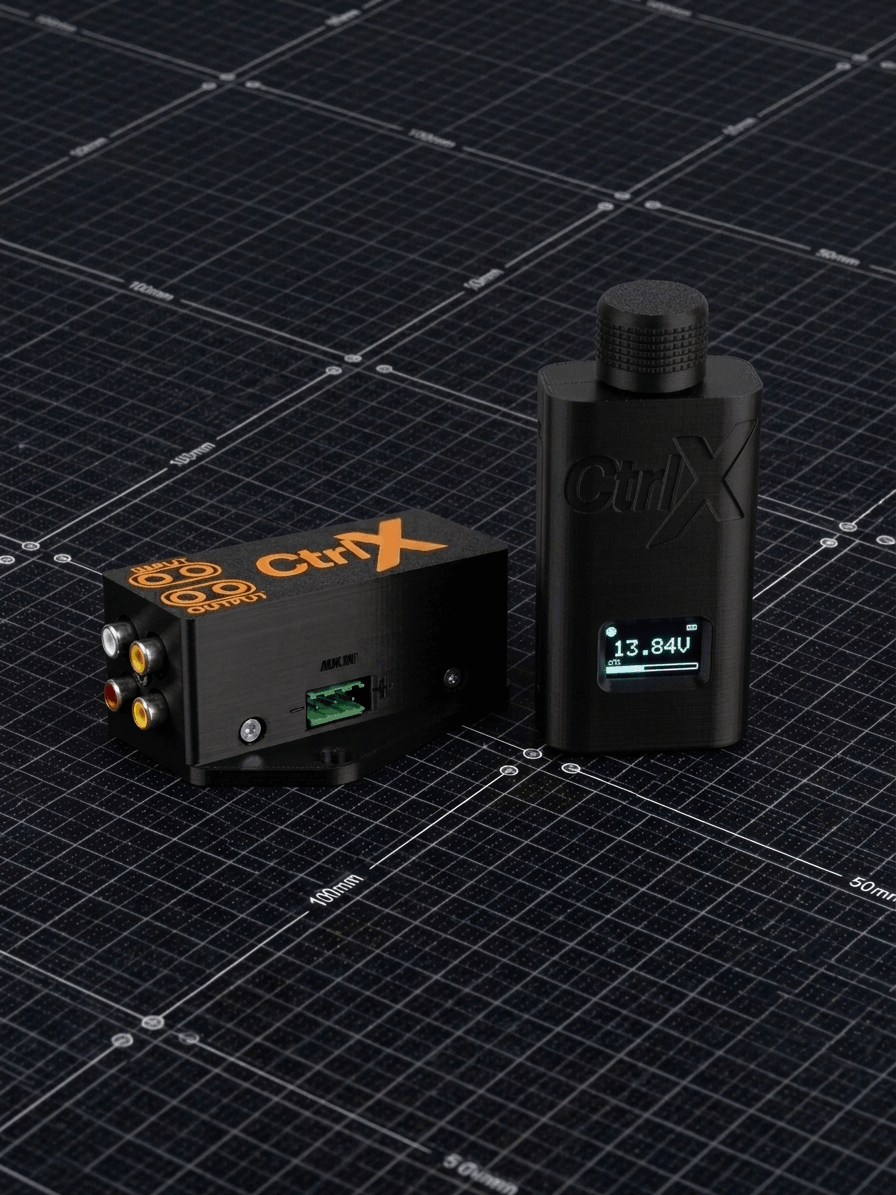
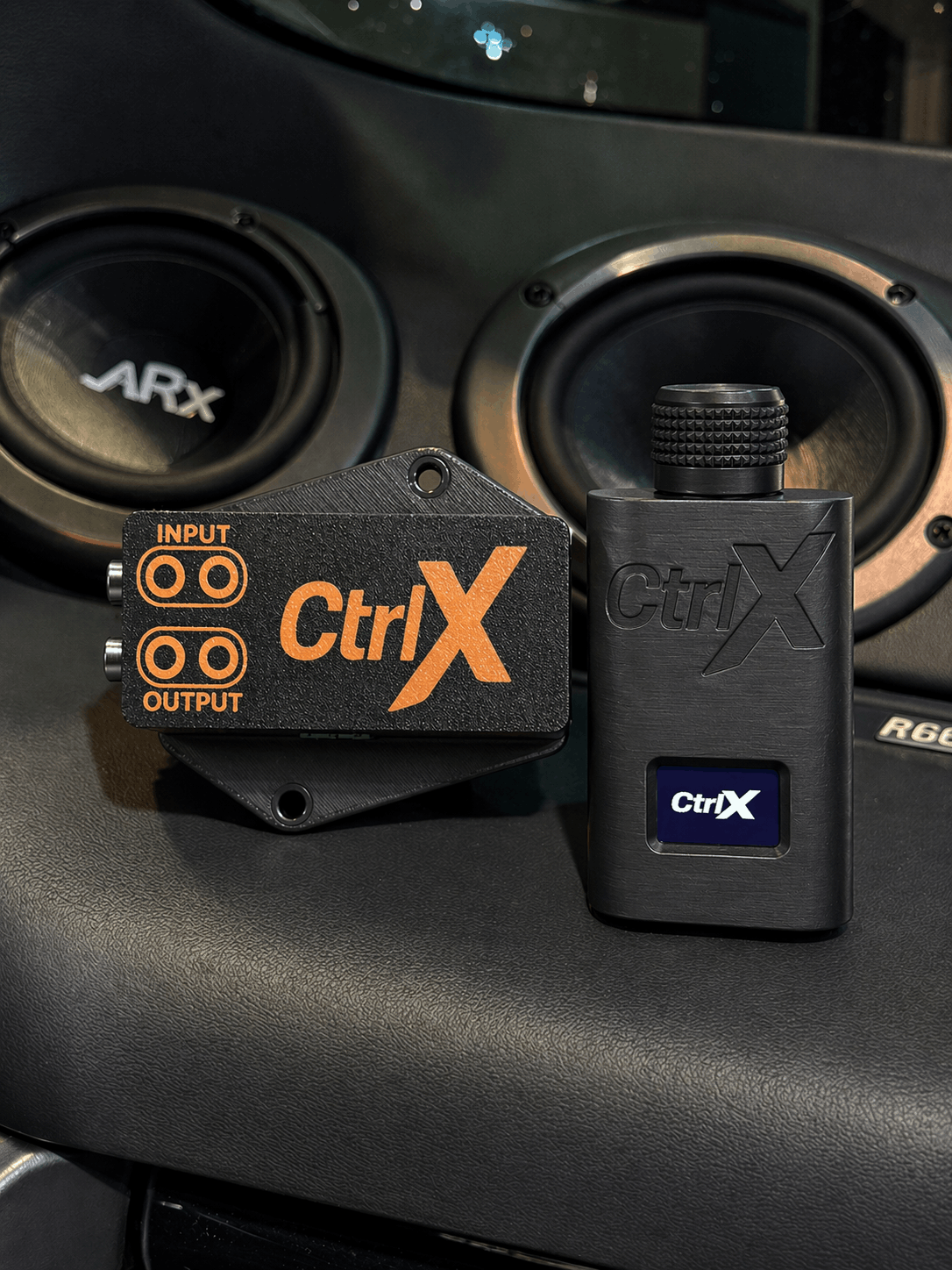
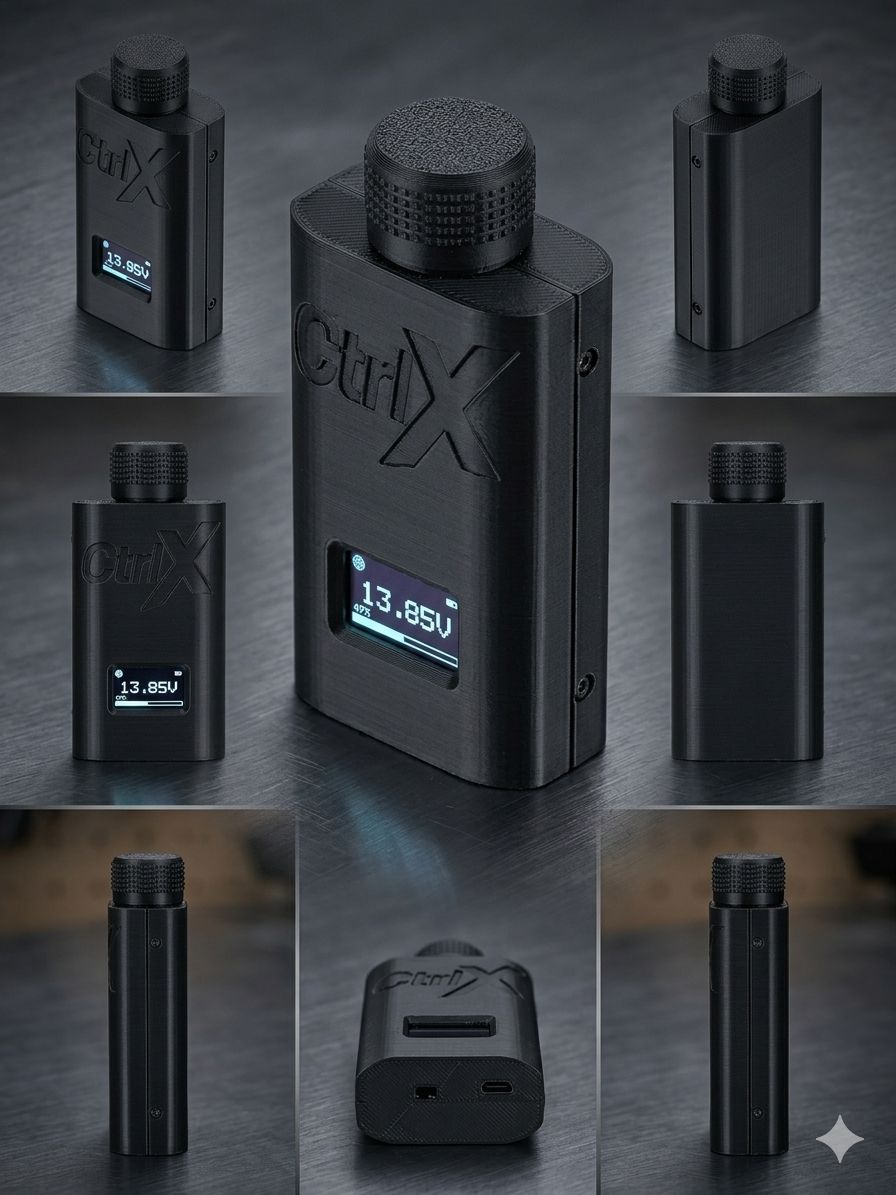
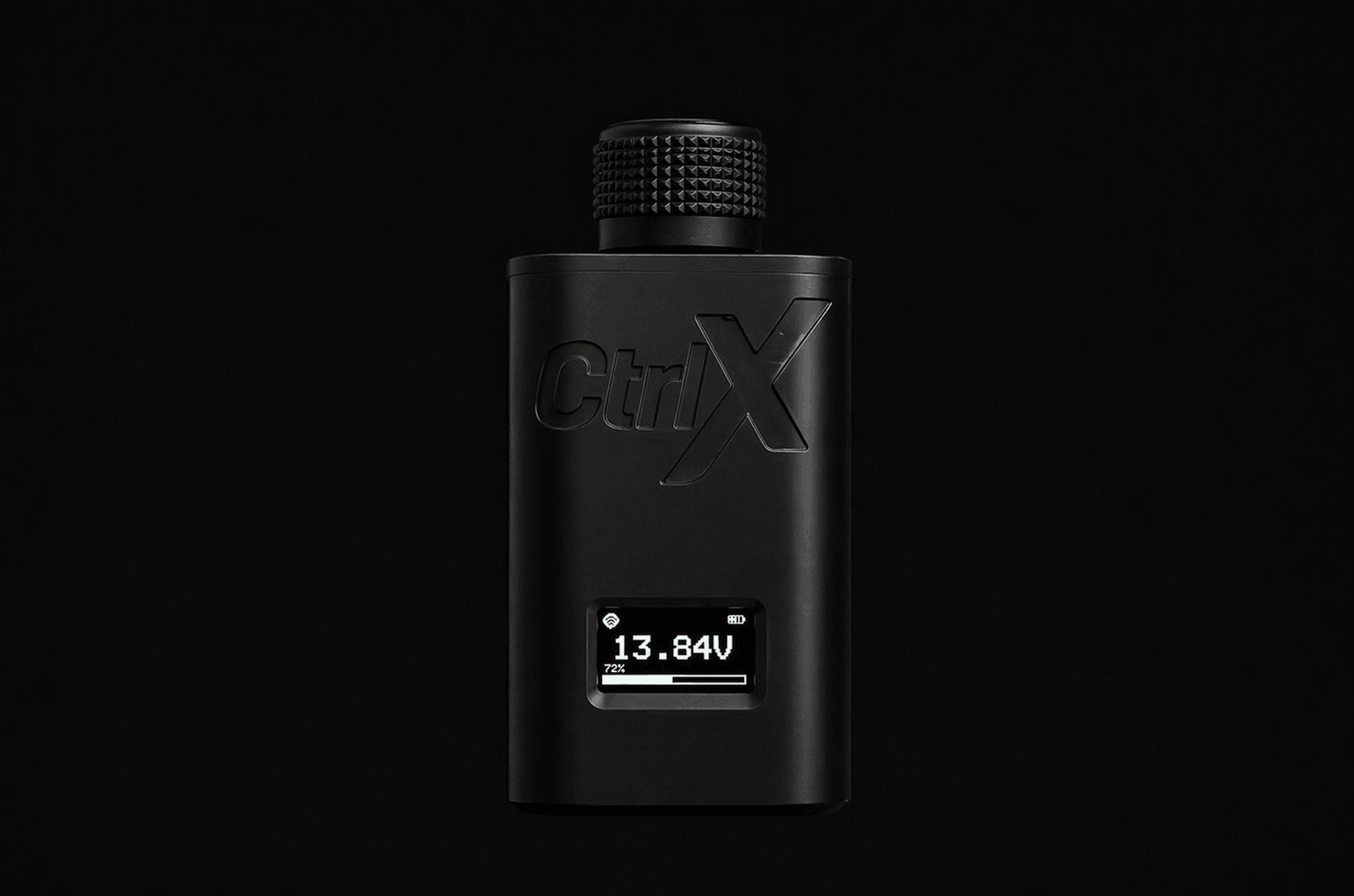
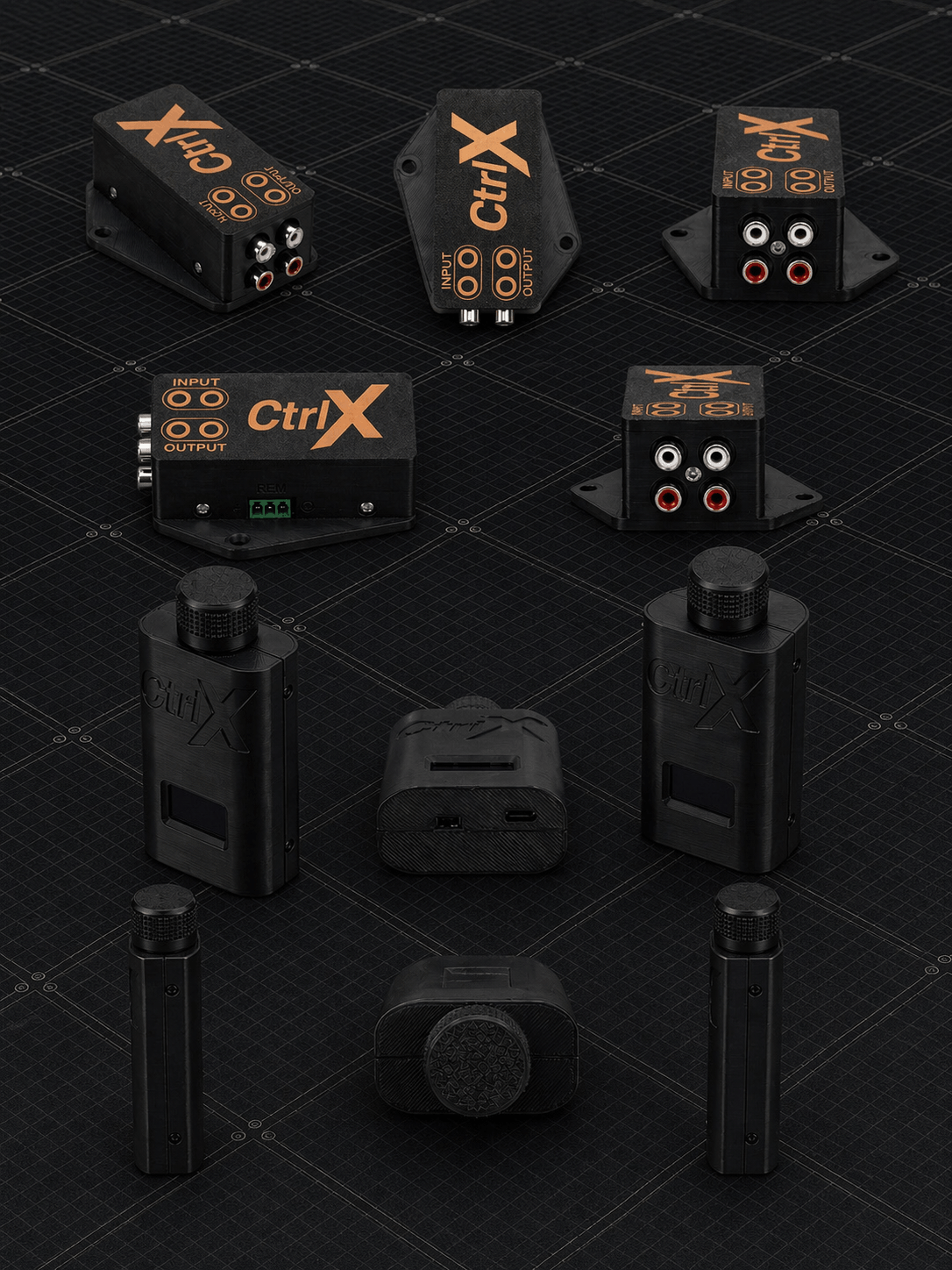
Studio shots from every face and a real-world install. CTRLX is built and finished in Delhi to a precision that survives the road.
Onboard Interface
Built-in Settings Menu
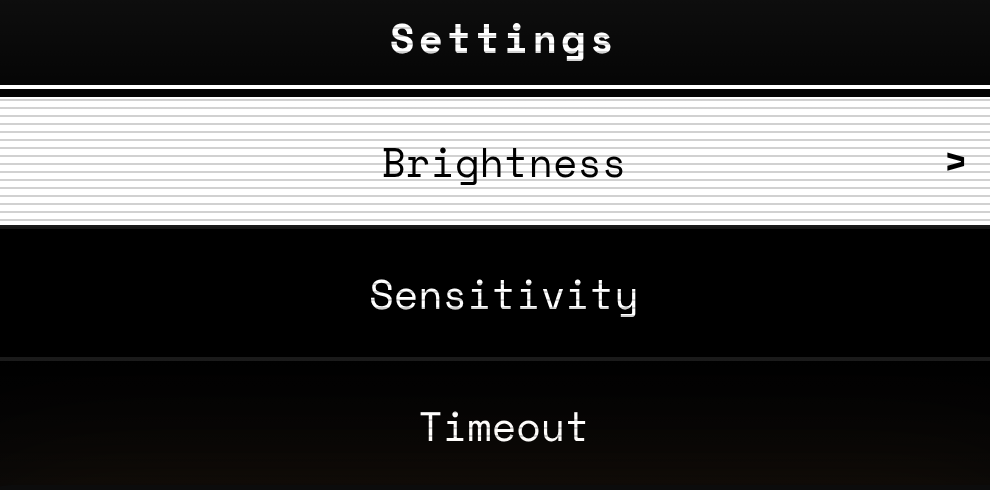
Five fully-configurable menus, an animated cursor, and zero apps to download. Hold the dial for 0.8 seconds and the OLED transforms into a complete configuration cockpit.
The Start Screen
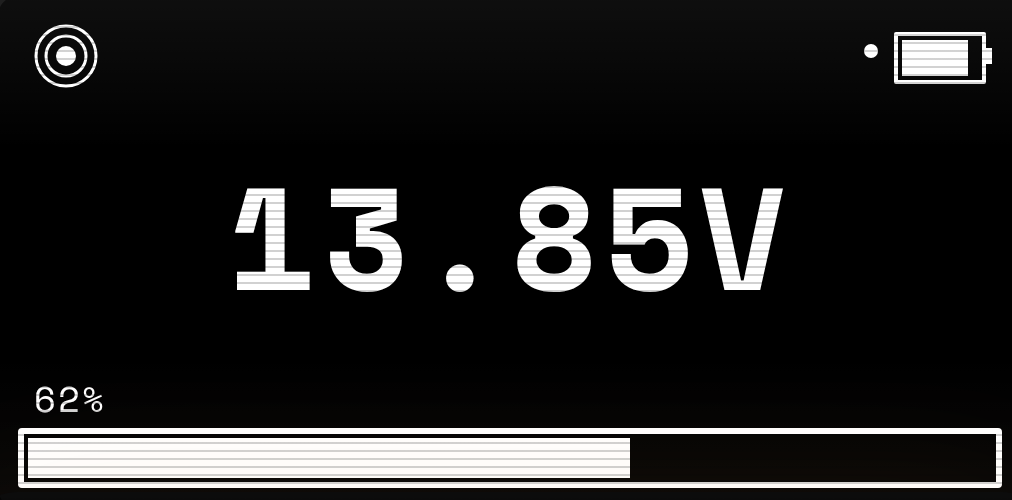
Six pieces of information on a 128 × 64 monochrome canvas. Below — what every glyph means, then a live render reacting in real time.
Static · UI Map
1. Receiver Link
Solid signal icon when paired with the receiver.
2. Charge Dot
Pulses when the controller is on USB-C power.
3. Knob Battery
Live capacity of the 1000 mAh internal cell.
4. Live Car Voltage
Real-time alternator reading from the receiver.
5. Bass Level %
Real-time alternator reading from the receiver.
6. Bass Bar
Visual fill matching the bass level.
Live · In Motion
Receiver Linked
Hover to ride the bass
Voltage drifting · 120 BPM beat
Rotate
Adjust volume 0–100. Inside menus, scroll through options.
Tap
Mute / unmute instantly. Confirm a selection inside menus.
Hold 0.8s
Open the Settings menu. Auto-exits after 30s of no input.
01 — Main
Settings Hub
Six entries: Brightness, Sensitivity, Timeout, Knob Direction, About, and Exit. The cursor glides between rows with a 30 ms easing animation.
6 entries · animated cursor
02 — Display
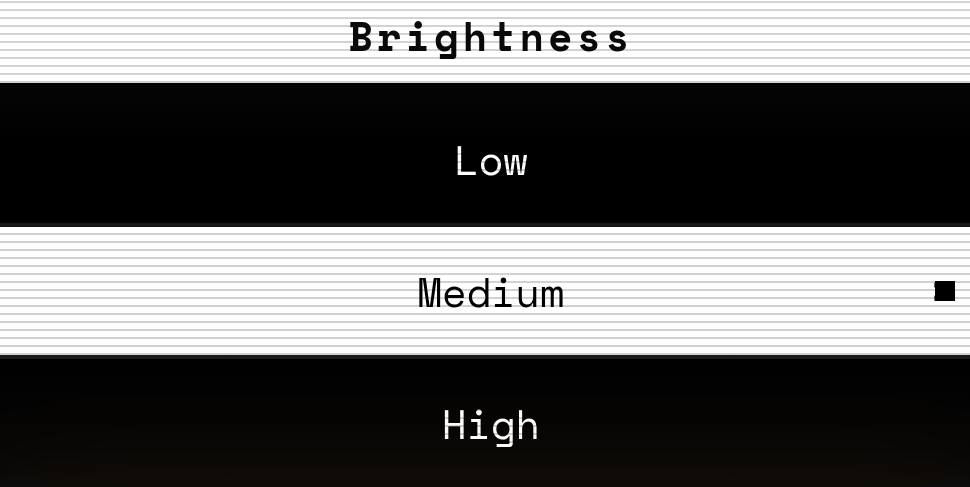
Brightness
Three levels mapped directly to the SSD1306 contrast register — 0x80, 0xCF, 0xFF. Picks the right intensity from a sun-lit dash to a night drive.
Low · Medium · High
03 — Tuning
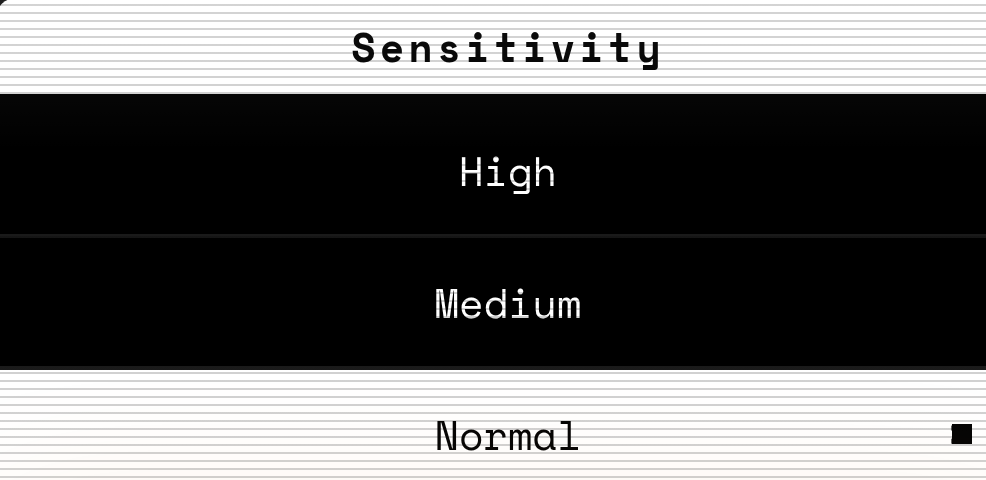
Sensitivity
Tunes how aggressively the bass level reacts to knob rotation. Pick Normal for daily driving, High for live tweaking, Low for fine-grained studio-style control.
High · Medium · Low · Normal
04 — Power
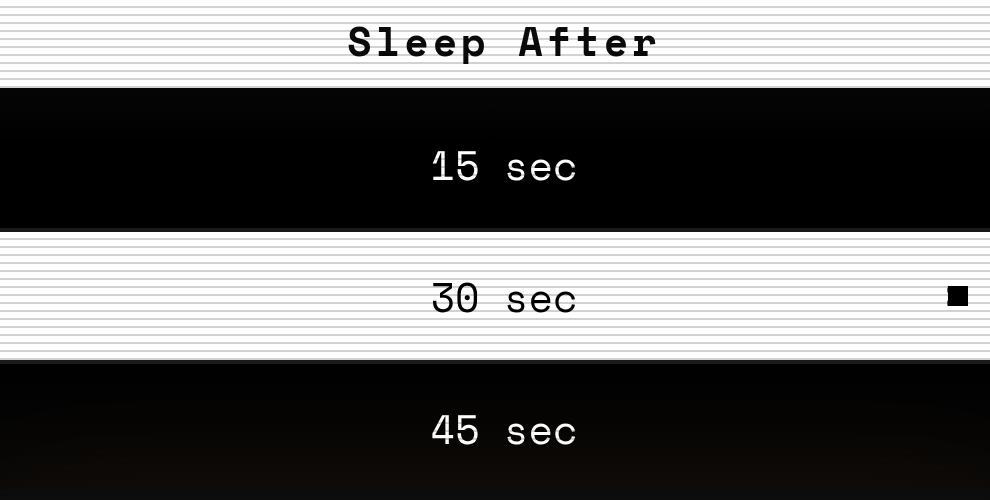
Sleep Timer
Six presets — 10, 15, 30, 45, 60, or 120 seconds — before the controller drops into deep sleep. Wakes instantly on the next knob press, with the receiver already in range.
10s · 15s · 30s · 45s · 60s · 120s
05 — Feel
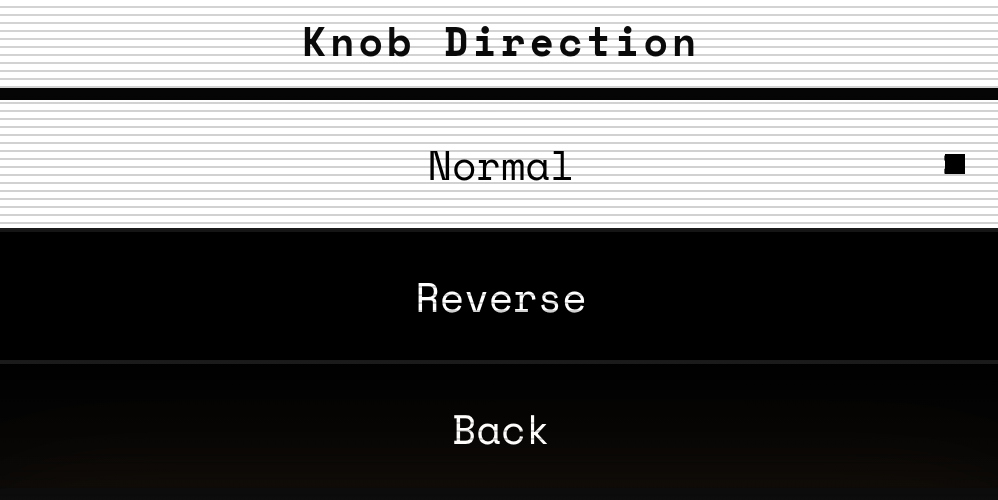
Knob Direction
Flip the encoder logic so clockwise behaves the way your hand expects — handy if you mount the controller on the passenger side or below the steering wheel.
Normal · Reverse
06 — Identity
About
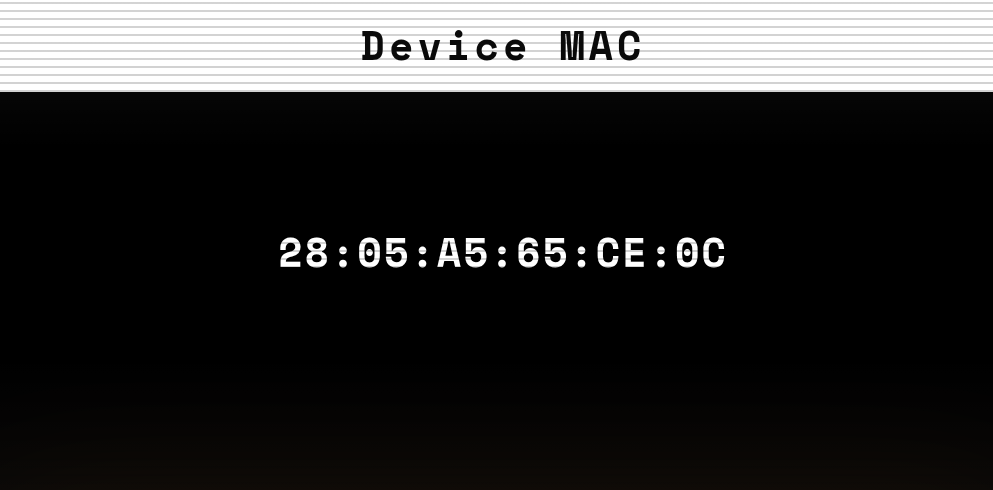
Read out the device’s unique 6-byte ID — the same one paired to your receiver over the CTRLX Link. Useful for support, returns, and verifying the right unit at a glance.
CTRLX Link · Pairing ID
Plus
Persistent settings (saved to flash), live battery + voltage indicators, low-battery warning screen, charging dot, and a connection-lost cross-out — all on the same 128 × 64 OLED.